
Correspondence with a reason
Choose a purpose such as informing, requesting, warning, negotiating or concealing a second purpose. A letter gives the party something concrete to question rather than another summary of events.
Give the story something to read
A letter worth opening. A decree worth questioning. Prepare fictional records, review what the players can see and keep the private meaning beside your own notes.
A prop with a purpose
Prepare the words a character might leave behind, present at a hearing or carry through a city gate.
Choose a purpose such as informing, requesting, warning, negotiating or concealing a second purpose. A letter gives the party something concrete to question rather than another summary of events.
Use reports and testimony to distinguish observation from inference. A manifest or receipt can introduce disputed custody, a shortage or a record that deserves a second look.
Read the fictional document alongside the DM truth and hidden implication. Decide which parts the table should trust and how a mistaken or selective account fits the scene.
Add your own date and situation as text. The generator supplies document-scale names and wording; it does not need another worldbuilding product to begin.

Read the document before judging it
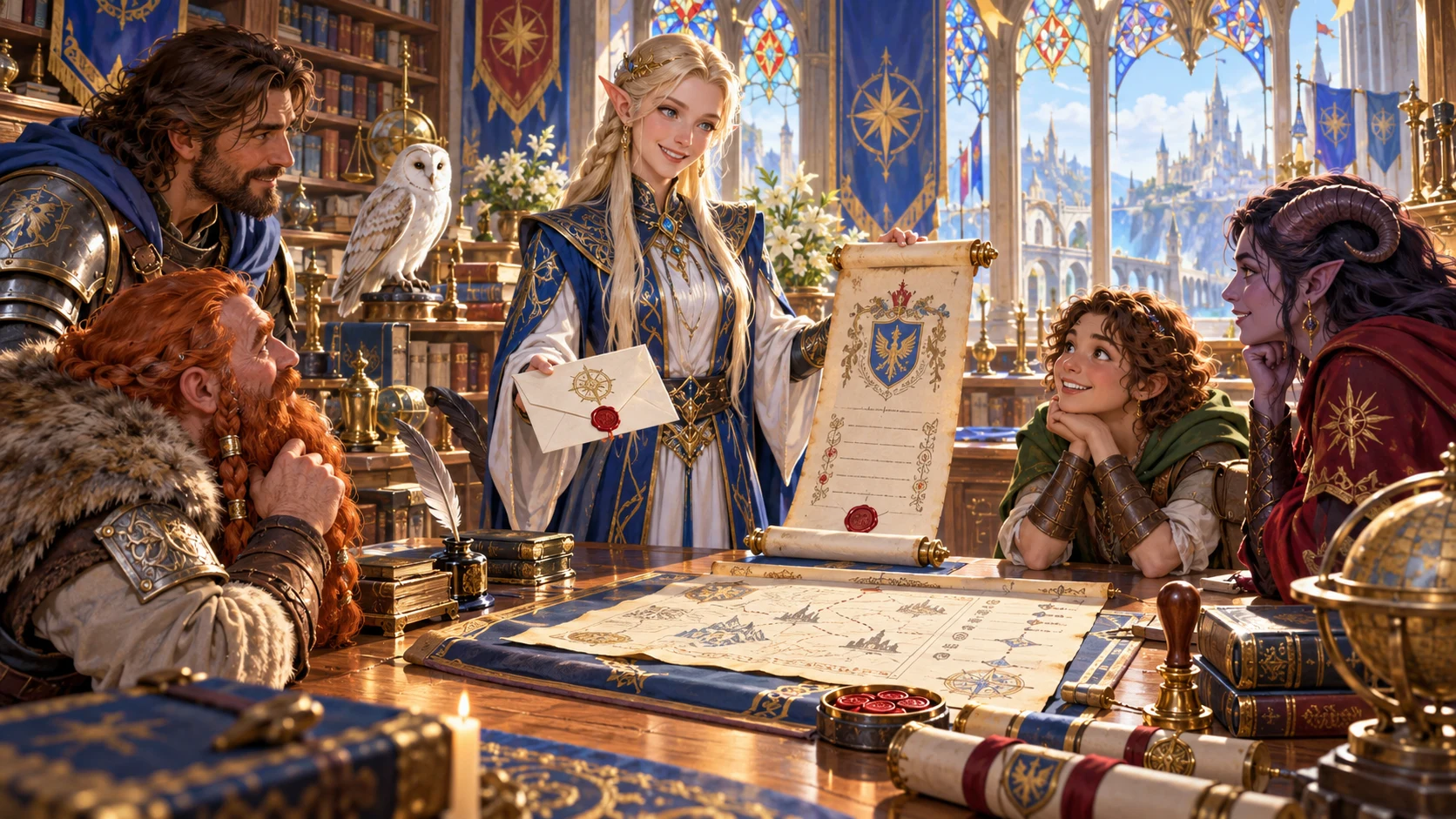
The illustration shows adventurers examining a letter and weathered papers. Use seals, condition notes and private context to prepare a similar moment of scrutiny.
The tool supplies text and descriptions. It does not generate this pictured document artwork or a solved mystery.
From a document frame to a handout
Quick and Deep share the same builder. Review the full setup and both audience views before saving a result.
Begin with a letter, journal, decree, warrant, contract or another document form. Choose what the writer is trying to accomplish, then inspect the retained settings.
Deep exposes voice, length, era, truthfulness, hidden meaning, urgency, legal character and condition. Enter a date and situation when they need to match your campaign. Quick retains previously selected Deep values.
Review generated names, body, seal details and physical notes beside the DM guidance. Edit the JSON when needed, then recheck the separately stored player projection.
Save manually to your account, copy or download the selected audience’s JSON, or prepare pages using print preview. Keep a saved result when a particular version must survive later generation.
What the current tool provides
Prepare fictional text, revise selected parts and keep a searchable account record.
Choose letters, journals, decrees, warrants, wanted notices, contracts, wills, proclamations, invoices, manifests, testimony, coded notes, reports, diary pages, legal notices, petitions, receipts or orders. Related types can share an authored paragraph structure.
Set purpose, tone, formality and length. Tone changes the opening and formality its register. Brief uses two paragraphs; Extended adds corroboration. The body draws from authored passages rather than an unrestricted writing service.
Keep a supplied date and context alongside generated issuer and recipient names. Add the situation your players need to recognise; edit the structured record when the named parties need to match your setting.
Prepare pristine, copied, damaged, amended, stained, censored or partial condition notes. These describe appearance and information loss; they do not erase or visually censor the body text.
Choose honesty, mistaken belief, selective truth, deception or forgery as DM guidance. Add subtext, a clue concept, a second audience or coercion. Review the wording yourself; these settings do not automatically rewrite every surface claim.
Revise voice and text, parties and context, the physical layer, hidden meaning or supporting material. A named layer lock blocks its own reroll. Several revisions replace the entire player projection, so recheck agreement with the retained dossier.
Switch the audience before copying or downloading. Player view selects the fictional handout; DM view selects the complete structured record. Inspect both views after edits and use print preview before handing pages to players.
Save under the account active in Desktop Command Centre. Search, open, duplicate, compare selected summary fields and reopen up to ten earlier result snapshots. Tags and private notes help you find the right document.
Choose the kind of artefact
Document types have authored structures; several related forms share paragraphs. Use them as a starting point you can review and edit.
Prepare personal correspondence or a private account. Tone changes the opening. Journals and diary pages share a reflective structure; adapt the details to the character who wrote them.
Create fictional authority, requests for information or instructions with stated limits. These provide a story prop; they do not create real legal authority or manage a government.
Use terms, witnesses, custody and exceptions as document material. Invoices, manifests and receipts share an authored record structure, including supplied item examples rather than a live pricing or accounting system.
Prepare a statement, claim or apparent household note. Coded notes and acrostic settings supply clue concepts, not an implemented cipher or guaranteed solvable puzzle. Era and legal-character selections are descriptive labels.
A record your table can inspect
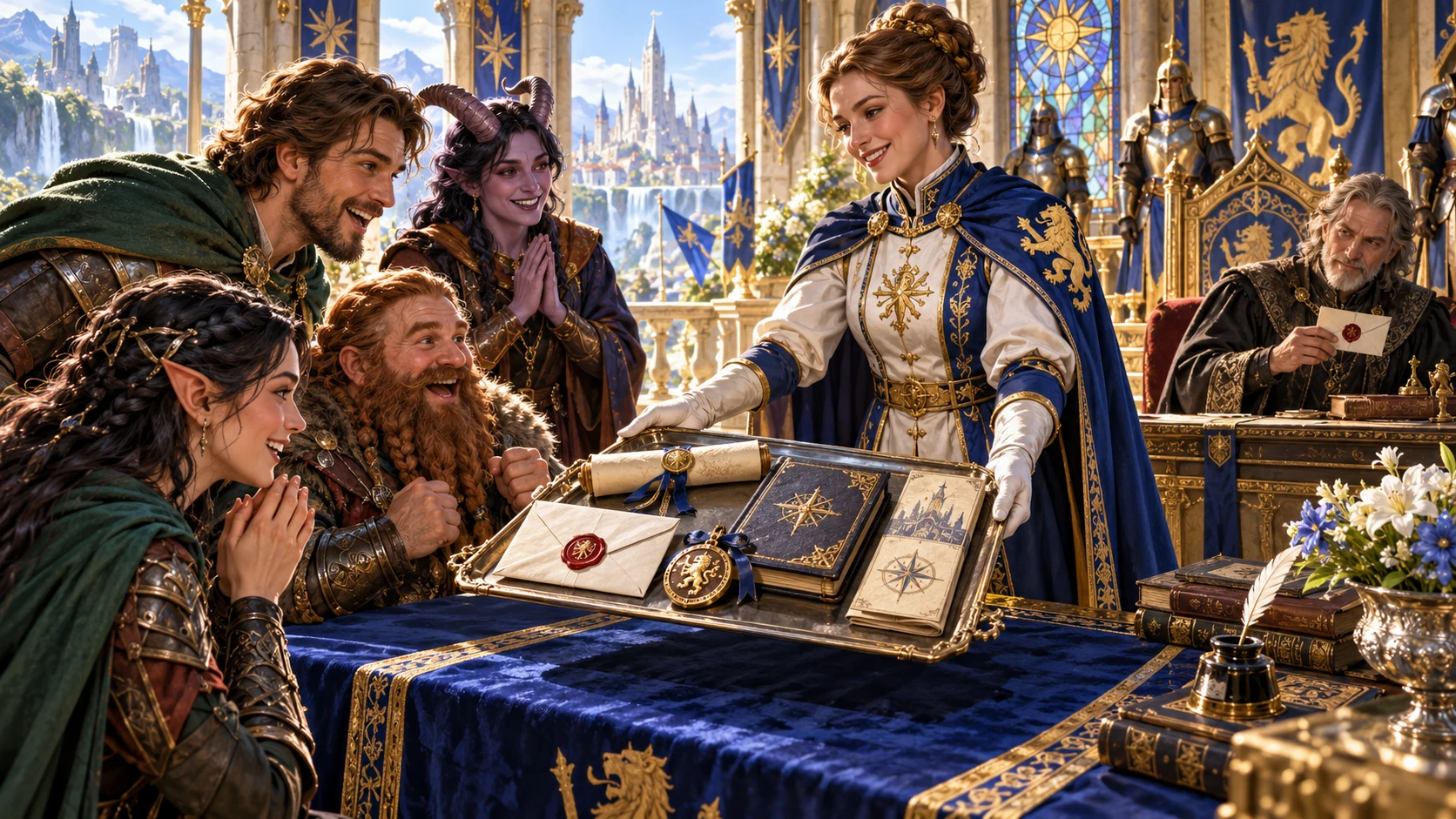
The illustration presents a letter, folio and document packet. The actual result contains structured text, seal descriptions, condition notes and a separate player handout.
Draft and attachment entries are descriptive notes. No physical kit, PDF file or attached document images are generated or included.
Revise with the audience in mind
Review both views after changing a layer. A scoped revision can still replace shared player material.
Reroll voice/text, parties/context, physical detail, hidden meaning or supporting material. A lock blocks its named reroll. It does not freeze every shared field, and full generation does not preserve locked layers.
Four revision controls replace the whole player projection while retaining unrelated dossier sections. Names, body or condition can disagree afterward. Hidden-layer revision changes only DM truth and the checklist.
The tool combines seed with a counter that advances on every generation. Seed alone does not replay the complete record. The document identity comes from the seed alone; Generate another normally creates a version under the same identity.
Use a different seed or Duplicate for a separate account record. Undo and Redo restore result snapshots, not the form or counter. Fresh workspace clears the current result, controls, locks, notes and local revision history.
Review before sharing
The generated audience separation is useful, but edits and revisions still need a careful reading.
The validator checks required sections, a body of at least two parts, safety flags and specific forbidden terms. The consistency checklist is authored guidance, not a semantic audit or proof that names and claims agree everywhere.
The JSON editor replaces the structured record. It does not automatically reconcile the full dossier with the player projection. Review private details, supplied context and every exported field yourself.
Copy and JSON download follow the selected view. Player view selects the fictional handout; DM view selects the whole record including private guidance. Inspect the selected audience before sharing the file.
Select Player view, close the editor and clear Compare before printing. The print styling hides the full DM dossier, but some setup or workspace panels can remain. Inspect print preview and page selection before handing pages to players.
Choose access for your toolkit
In-World Document Generator is a paid standalone tool. Begin with a free VISINVOKE account, then review the required selection and subscription.
Select In-World Document Generator individually. Creating a free account does not by itself include paid generator access.
Choose five eligible standalone generators. Review your selected tools and subscription terms in your account; a selection pack does not include every VISINVOKE product.
Choose more selection capacity when it suits your toolkit. Review the actual tools and reselection terms before changing the subscription.
No Combat PRO subscription or handoff is required. Other generators, Battlemaps and image products have their own purposes and access models.

Search by title, type, issuer, condition, tags or private notes. Save manually under the existing signed-in DCC session; this product does not autosave each change.
Saving an existing identity keeps up to ten earlier result snapshots. Open, Duplicate and prior-version Open are available. The current surface has no rename or delete button.
Compare shows selected summary fields such as title, type, issuer, condition and truthfulness. It is not a full text diff. Opening restores result, tags, notes and locks, not form controls, seed or counter.
Start Here and How Do I guidance cover creating a prop, revising layers, player material and account records. Review after every meaningful change rather than relying on the checklist alone.
Physical damage and censorship are descriptions, not erased or masked body text. Truthfulness and hidden meaning provide private guidance. This fictional prop tool supplies no secure messaging, cryptographic security, calendar construction or live Combat PRO state.
Build your tabletop toolkit
Each card opens that product’s own public website. Review its purpose and access separately; these links do not promise included access or automatic synchronisation.

Discover and open your supported Windows products through one connected VISINVOKE account.

Explore environment packs for tactical locations and the places your encounters unfold.
Review prepared opposition, tune creature statistics and run tabletop encounters with its own access.
Create focused character, monster, item and location images to complement your tabletop preparation.

Create guided commercial visuals for websites, brochures and wider creative projects.

Explore a separate futuristic RPG experience with its own world, characters and progression.
Product artwork illustrates fictional document preparation, not application screens or actual generated image output.
Quick answers
Understand the actual controls and export boundaries before opening the tool.
It prepares fictional document text with a title, generated issuer and recipient, date and context, body, sign-off, seal descriptions, annotations, physical-condition notes and private DM guidance. It offers eighteen document types, with related types sharing some authored structures. Attachments and drafts are descriptive entries. The illustrations are not generated document images, attached files or a physical prop kit.
Quick shows document type, purpose and seed while retaining the current Deep values. Both modes use the same builder. Deep exposes tone, formality, length, era, truthfulness, hidden meaning, urgency, legal character, condition, date and context. Presets partially change those controls and open Deep. Review all retained values. Era and legal character are descriptive labels, not legal modelling or a complete rewrite of historical style.
Locks block reroll of the named layer; they do not freeze every shared field or full generation. Four revision controls replace the whole player projection while retaining unrelated full-dossier sections, so names, text or condition can differ between views. Hidden-layer revision changes DM truth and the audit. Structured edits do not reconcile the two views automatically. Check both audiences and their exports before saving or sharing.
Generation combines the seed with a counter that advances on each run. Seed alone does not guarantee replay. The document identity comes from the seed alone, so Generate another normally produces a variant under the same record identity. A different seed or Duplicate creates a separate record. Open restores the saved result, tags, notes and locks, but not the form controls, seed or counter. Save the exact result when it matters.
The generated player projection excludes the private DM truth section. Copy and JSON download follow the selected view. Validation checks required structure, flags and a short list of forbidden terms; the authored consistency checklist is not a semantic audit or a guarantee that every secret is removed. Review manually after revisions. Before printing, select Player view, close the editor, clear Compare and inspect print preview and page selection.
It is a standalone fictional prop tool with no Combat PRO handoff or live combat state. It does not deliver messages, provide cryptographic security, create legal authority, build a calendar system or simulate a realm’s laws and economy. Supplied dates and context are accepted as text. Paid generator access is separate from creating a free VISINVOKE account; no Combat PRO subscription is required to use this generator.
Continue in VISINVOKE
Create a free VISINVOKE account and choose the required generator access.
Get Desktop Command Centre from your account installer page. Sign in on Windows, then open In-World Document Generator.